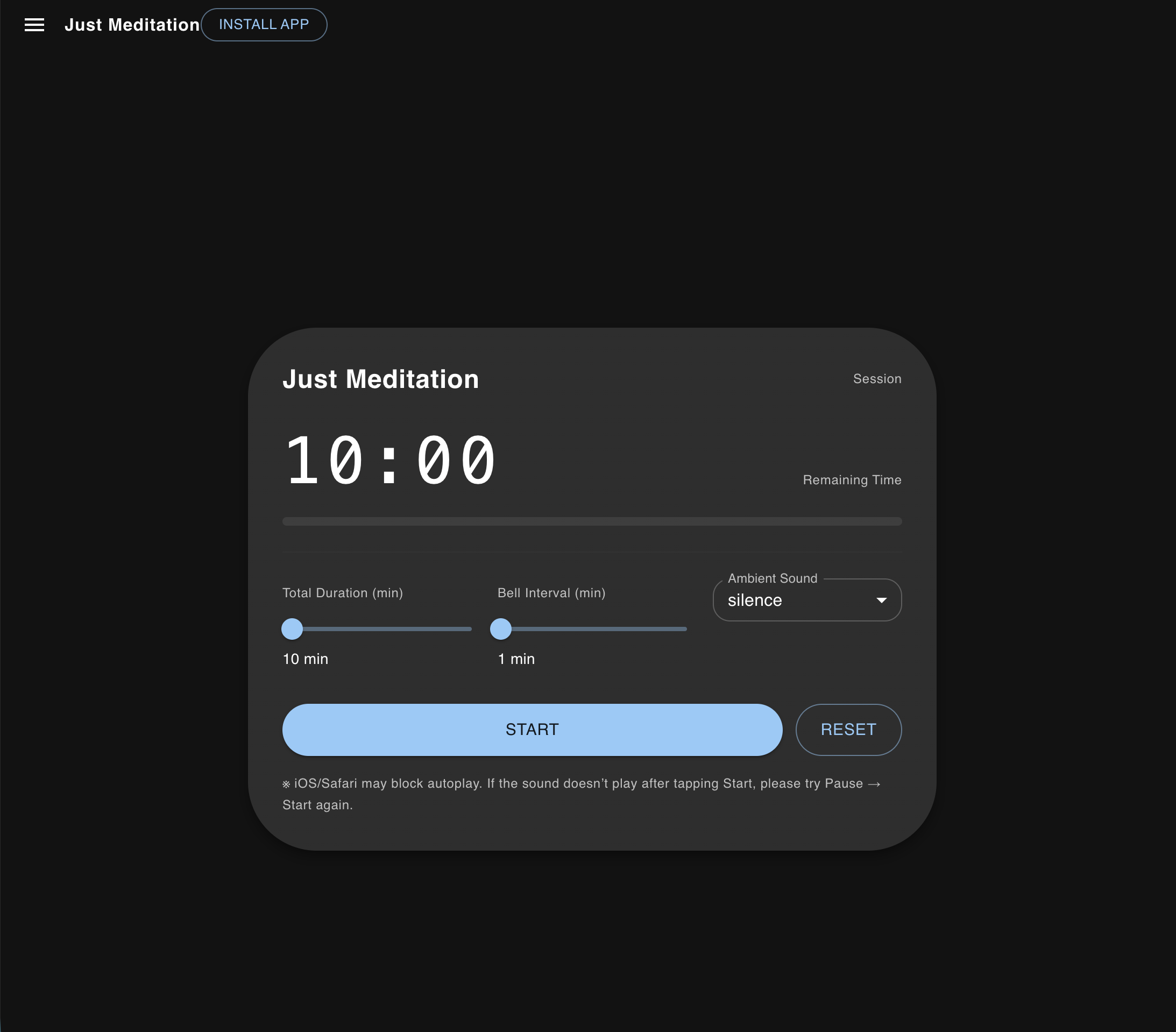
この記事ではNext.js(App Router)で PWA を実装する方法のメモを残しておきます。
Meditationアプリに実装してみた知見です。
Serwist を使う理由(Workbox の後継)
Serwist は Workbox の設計をベースにした最新 PWA ライブラリで、
- Next.js App Router 対応
- Precache の自動注入
- ランタイムキャッシュの柔軟な設定
- Workbox より軽量
という特徴があります。
導入手順
個人的にpnpm にはまっているので、pnpm を使っていますが、なんでもいいです。
Serwist のインストール
pnpm add @serwist/next serwistnext.config.ts
next.config.ts が以下のようになっているか確認してください。
// next.config.ts
import type { NextConfig } from "next";
import withSerwistInit from "@serwist/next";

const withSerwist = withSerwistInit({
  swSrc: "app/sw.ts",
  swDest: "public/sw.js",
  disable: process.env.NODE_ENV !== "production",
});

const nextConfig: NextConfig = {
  reactStrictMode: true,
  turbopack: {}, // dev は Turbopack
};

export default withSerwist(nextConfig);
app/manifest.json
{
  "name": "Just Meditation",
  "short_name": "Meditation",
  "start_url": "https://hogehoge.com",
  "display": "standalone",
  "background_color": "#000000",
  "theme_color": "#000000",
  "icons": [
    { "src": "/icon-192.png", "sizes": "192x192", "type": "image/png" },
    { "src": "/icon-512.png", "sizes": "512x512", "type": "image/png" }
  ]
}
app/sw.ts
/// <reference lib="webworker" />

import { defaultCache } from "@serwist/next/worker";
import {
  Serwist,
  CacheFirst,
  type PrecacheEntry,
  type SerwistGlobalConfig,
  type RuntimeCaching,
} from "serwist";

declare global {
  interface WorkerGlobalScope extends SerwistGlobalConfig {
    __SW_MANIFEST: (PrecacheEntry | string)[] | undefined;
  }
}
declare const self: ServiceWorkerGlobalScope;

const extraRuntimeCaching: RuntimeCaching[] = [
  {
    matcher: ({ request }) => request.destination === "audio",
    handler: new CacheFirst({ cacheName: "audio-cache" }),
  },
];

const serwist = new Serwist({
  precacheEntries: self.__SW_MANIFEST,
  skipWaiting: true,
  clientsClaim: true,
  navigationPreload: true,
  runtimeCaching: [...defaultCache, ...extraRuntimeCaching],
});

serwist.addEventListeners();
app/layout.tsx
メタデータに記述が必要です
// app/layout.tsx
import type { Metadata } from "next";

export const metadata: Metadata = {
  title: "Just Meditation",
  manifest: "/manifest.json",
  icons: [
    { rel: "icon", url: "/icon-192.png" },
    { rel: "apple-touch-icon", url: "/icon-192.png" }
  ],
};
おまけ インストールボタンの実装
インストールボタンのコンポーネントを作成して、Headerに置きました。
// components/InstallPWAButton.tsx
"use client";
import { useEffect, useState } from "react";
import { Button } from "@mui/material";

export default function InstallPWAButton() {
  const [promptEvent, setPromptEvent] = useState<any>(null);

  useEffect(() => {
    window.addEventListener("beforeinstallprompt", (e) => {
      e.preventDefault();
      setPromptEvent(e);
    });
  }, []);

  if (!promptEvent) return null;

  return (
    <Button
      variant="outlined"
      onClick={() => {
        promptEvent.prompt();
      }}
    >
      Install App
    </Button>
  );
}
インストール可能なブラウザでのみ表示されます。
Leave a Reply